


The Serial Port Monitor application (SerialMonitor.exe) allows for communication between a PC and a peripheral device via the USART interface. The application is an excellent tool for debugging MCU programs that use USART communication. In the application, you can select the desired communication parameters, such as baud rate, number of data bits, number of stop bits, etc.
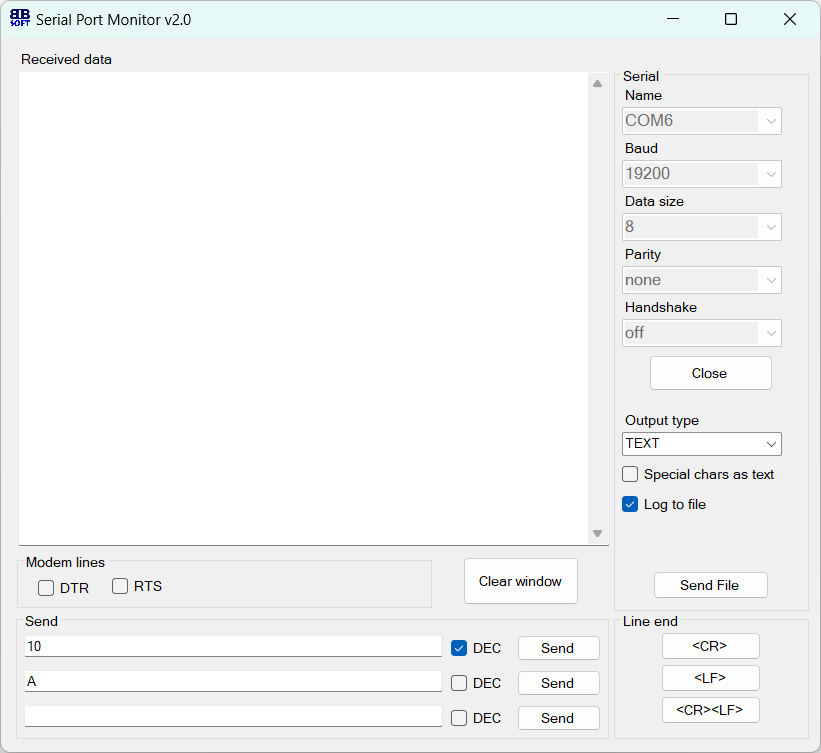 Serial Port Monitor Application (BB Soft).
Start working with the port by selecting the desired port, setting its parameters, and then clicking the Open button.
Note: Launch the application only after connecting the peripheral device to the PC; otherwise, the desired port will not appear in the list!
Download
SerialMonitor_v2.zip
×
![]()